District App
Contact Us
Enroll Now
Calendar & Events
Search

NYCSA Accounts

District 8 NYCSA Family Guide
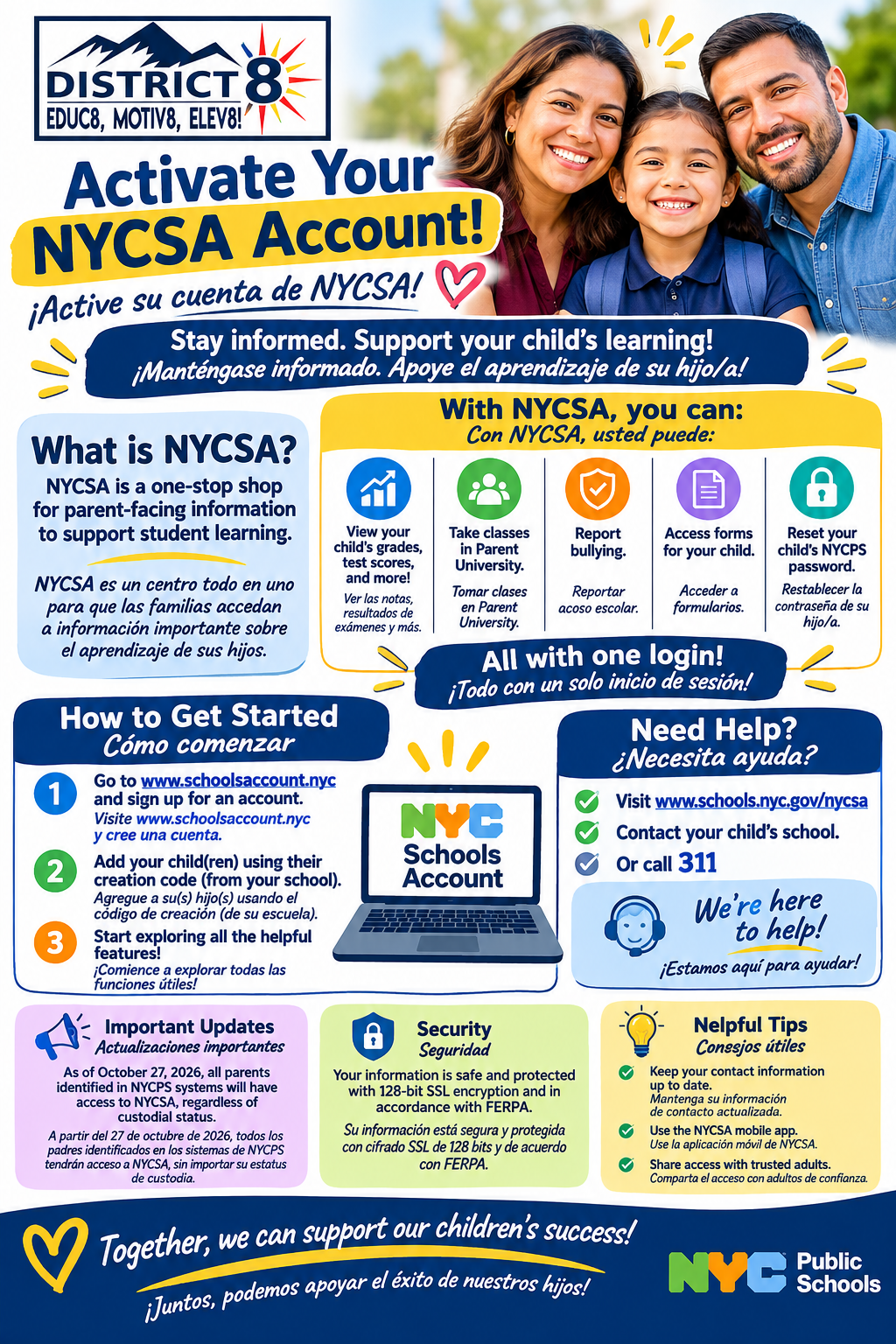
District 8 NYCSA Family Guide flyer: Activate your NYCSA account. Go to www.schoolsaccount.nyc, sign up, add your children with their creation code from your school, and start exploring. English and Spanish.
 Screenshot of the NYC Schools Account login page, displaying a welcome message for parents or guardians. It includes buttons labeled "Sign In" and "Create New Account," and a link below for "Forgot your password?" The background is primarily yellow with black and blue text.

NYCSA Portal

Web portal for parents or guardians.
Login to NYCSA
NYC Public Schools logo featuring the letters “NYC” in green, orange, and blue block style, followed by the words “Public Schools” in dark blue text. This is the official branding for the New York City Department of Education.

NYC Schools Account (NYCSA) Information

Visit NYCSA Information Page

Fixed Back to Top Button